Start your way
Use the route you already have
Paste a shared Google Maps route, choose a GPX file or add the places you want to visit.
Turn a Google Maps route, GPX file or your own stops into a polished map animation for your next travel video.

Creative control
Start with the route. Then direct the pace, camera, visual style and vehicle until the journey feels unmistakably yours.
Start your way
Paste a shared Google Maps route, choose a GPX file or add the places you want to visit.
Tell your story
Set the pace, add pauses and choose how closely the camera follows the route.
Make it yours
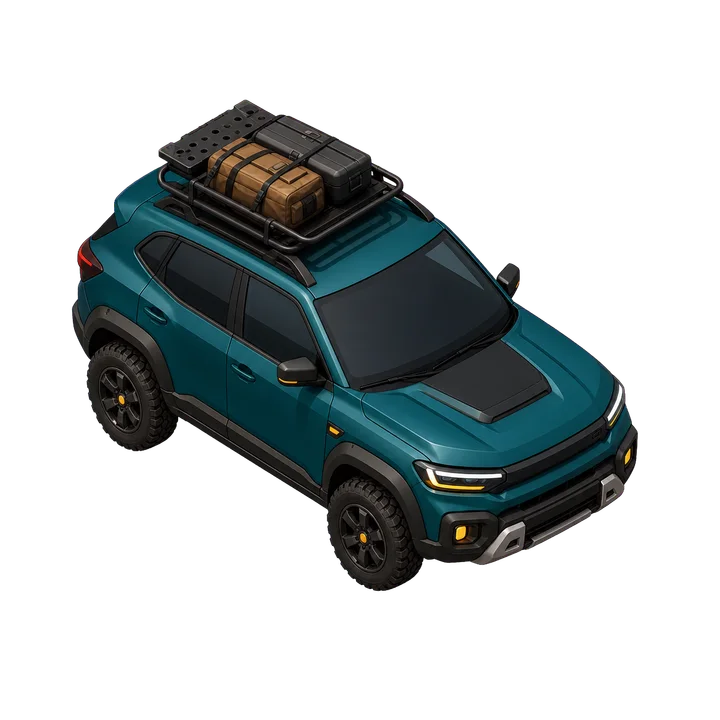
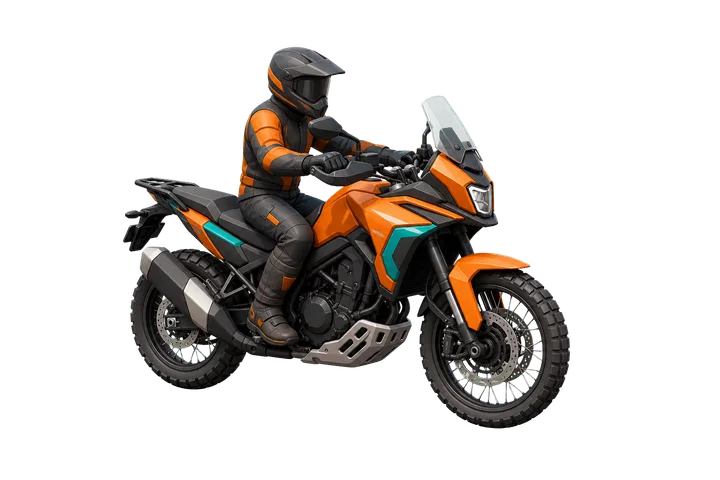
Choose the included car or motorbike, or use a photo of your own vehicle and remove its background in the app.
Your look
Choose a map style, then adjust the route colour, line, labels, title and vehicle size.
Made to share
Create a portrait, landscape or square video for Shorts, travel films or social posts.
Save to your phone
Save a video without sound straight to your Android device, then open it in the editor you already use.
Inside the app
These screens show AnimateMyRoute on Android. The app may look a little different depending on your device and version.
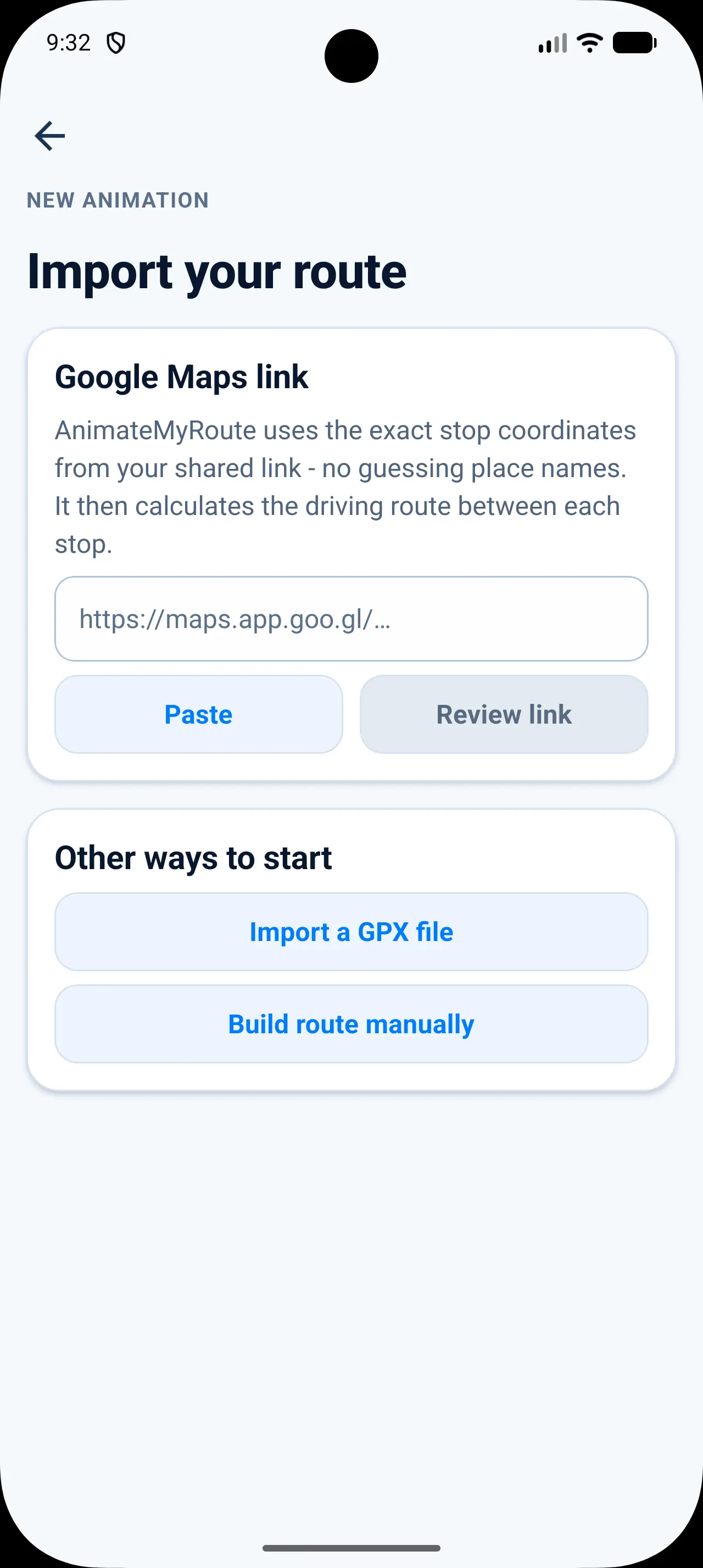
Start with Google Maps, a GPX file or places you choose.
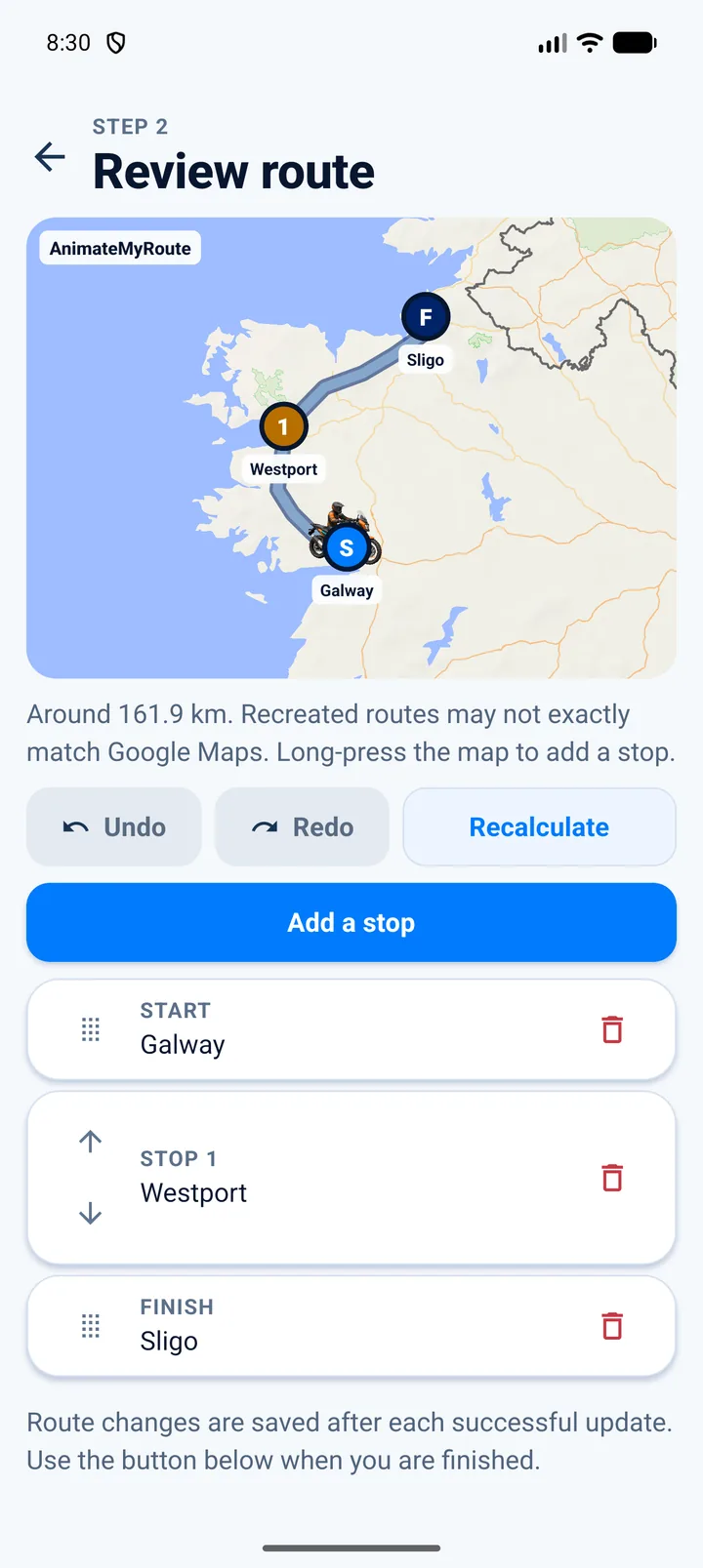
Check the stops and make any changes before you animate.
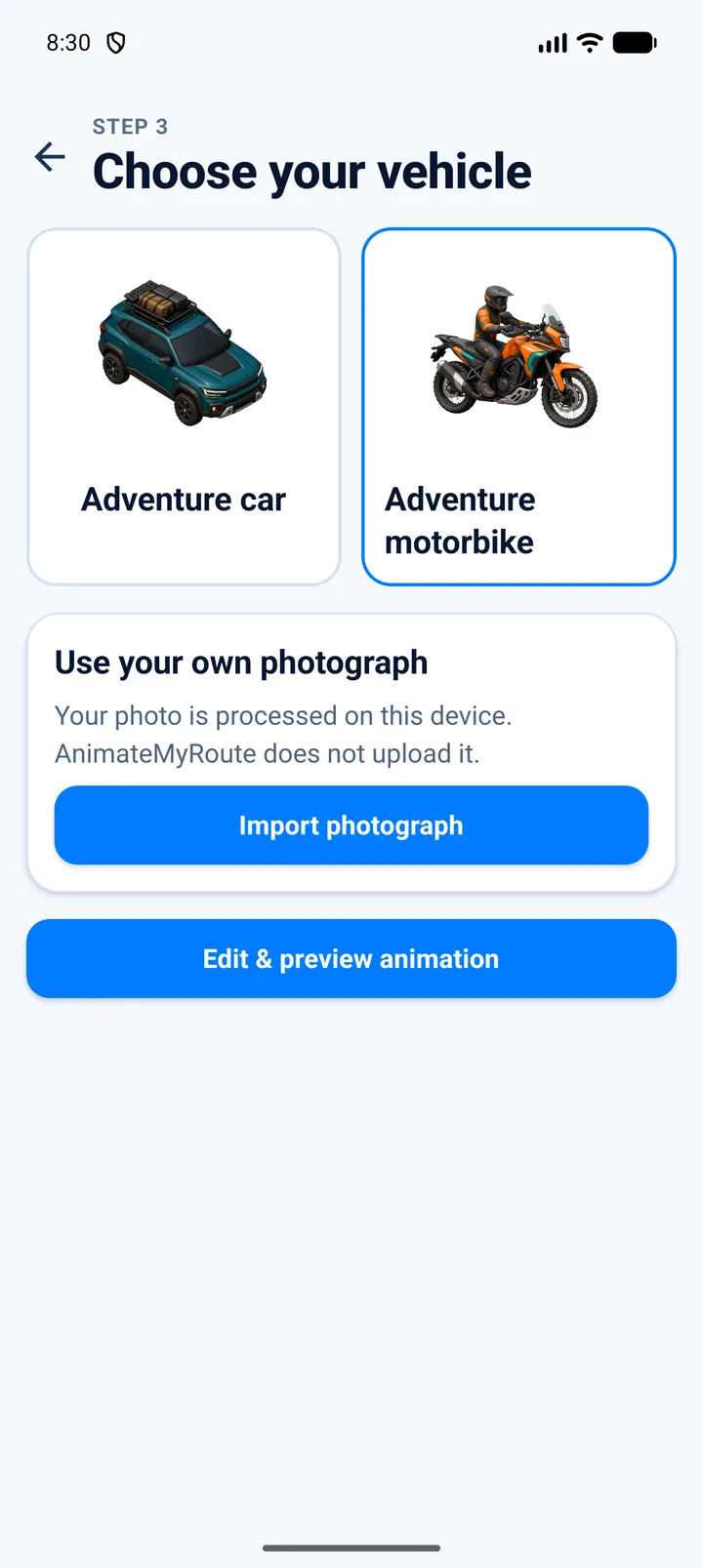
Use one of ours or add a photo of your own.
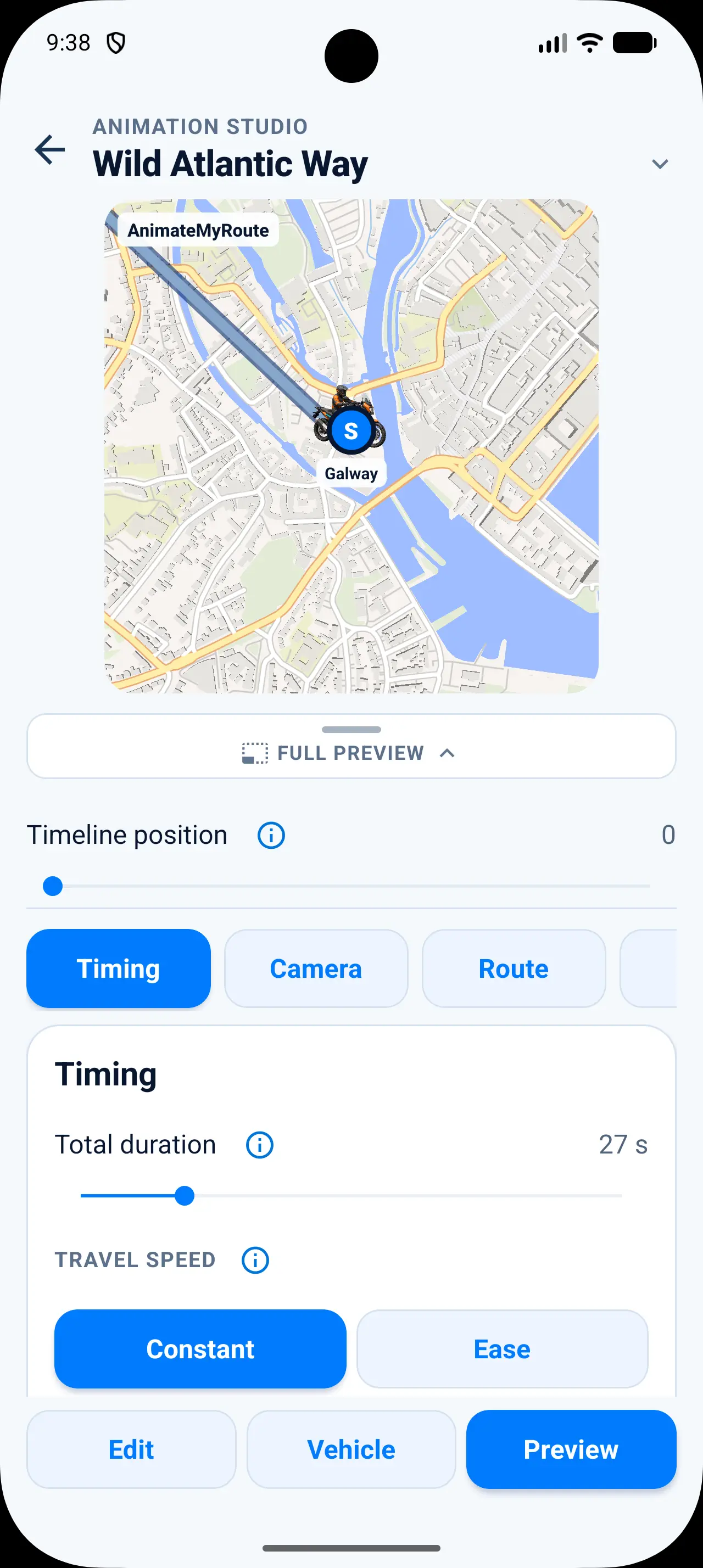
Adjust the timing, camera angles, and other settings.
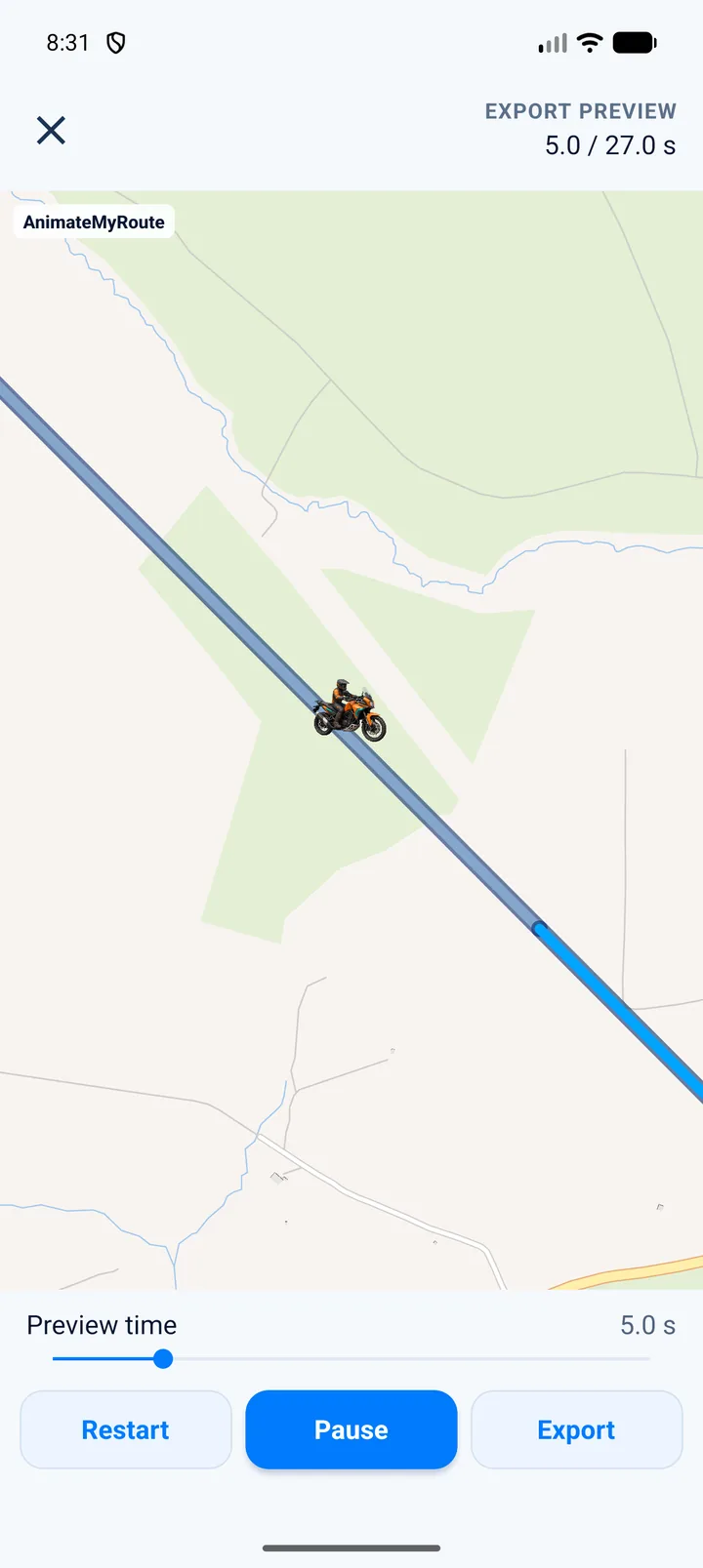
See the pace, movement and camera choices working together.
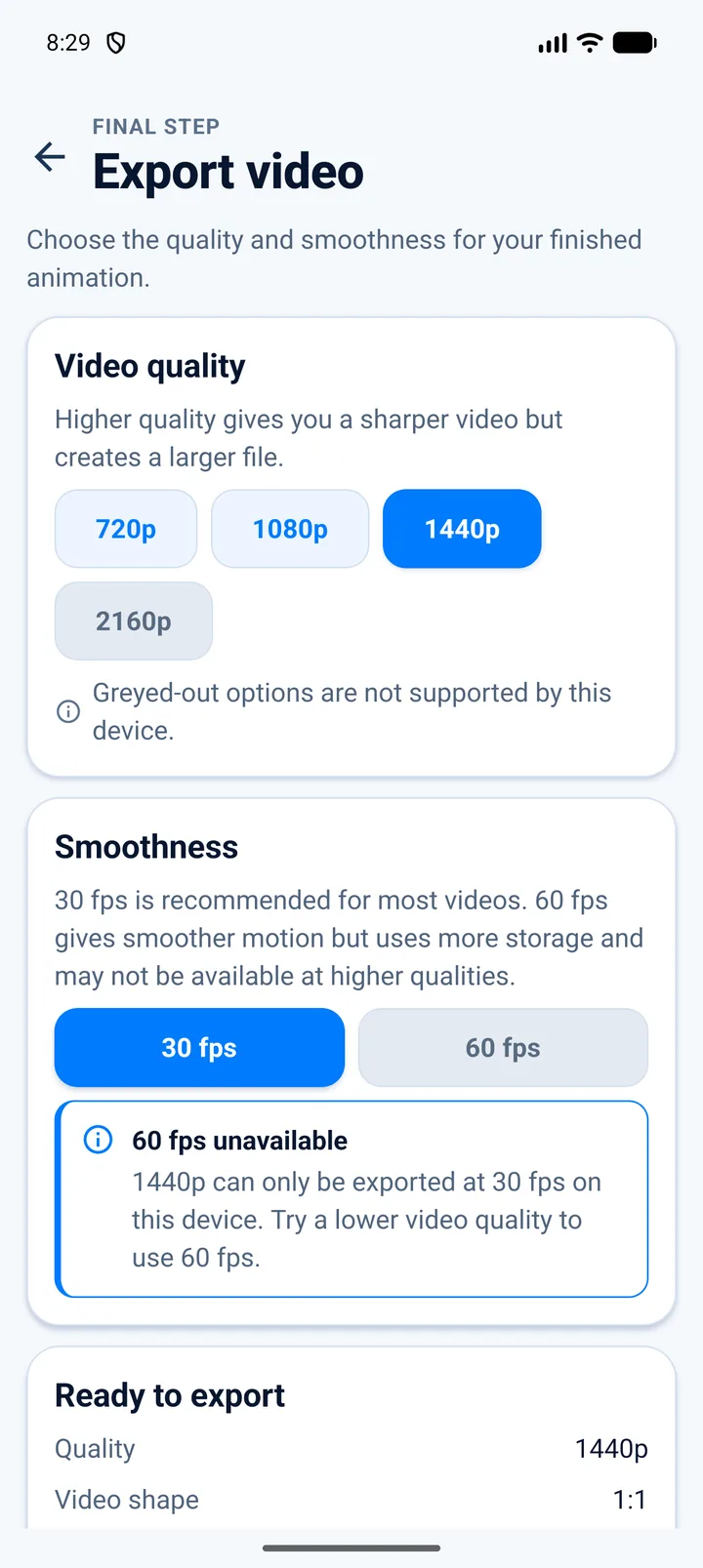
Choose the layout and quality that work for your device.
A simple workflow
Paste a shared Google Maps route, choose a GPX file or add places yourself.
Fine-tune the stops, vehicle, map, camera, timing and title.
Watch the finished animation, choose a layout and save it to your phone.
For route storytellers
AnimateMyRoute is made for creators and travellers who want the map to carry some of the story - not just mark a location.
Give viewers a clear sense of place before the next chapter of your travel film.
Turn a memorable itinerary into a polished visual recap that is easy to share.
Show the shape of the ride and bring a motorbike - including your own - along the route.
Build map sequences for walking, cycling, driving and motorbike journeys.
Questions, answered
Need help with a route or video? The support page has simple steps to get you moving again.
Visit supportYou can use a shared Google Maps route, a GPX file or places you choose yourself. When you use Google Maps, AnimateMyRoute rebuilds the journey from its stops, so the roads may look slightly different.
No. The app does not ask for your location. It only uses the route or GPX file you choose.
Yes. Choose a photo and the app will remove its background on your device. You can tidy the result with simple brush tools, and AnimateMyRoute does not upload the photo.
AnimateMyRoute saves a video without sound in portrait, landscape or square format. The size and smoothness options shown will depend on what your Android device can handle.
No. You can use AnimateMyRoute without signing up, and your projects stay on your device.
AnimateMyRoute is available for Android on Google Play. Use any Google Play button on this site to download it.
Download AnimateMyRoute from Google Play and turn your next journey into a video worth sharing.
Get it onGoogle Play